DJ Harmonic reads the key of a track and lights up the ones that will sit next to it, on a Camelot wheel you can read at a glance. Everything happens on your phone: no account, no upload, nothing to sign up for.
The key is found by harmonium, a key detection engine written from scratch for DJ Harmonic. It runs on the phone, on the whole track, and answers in seconds.
Every step runs on the device, without a server and without a connection. The track never leaves the phone, not even to be analysed.
Built and checked on nearly 3,900 tracks across 50 genres, from EDM to opera, before it reached your phone.
Intro, breaks and outro included, not a slice from the middle. A key that only shows itself halfway through is still heard.
Before looking for the key, harmonium measures how the track is tuned, so a recording a little sharp or flat is not pushed into the key next door.
Percussion carries energy everywhere and no pitch. harmonium sets it aside and listens to the harmony, with a little extra weight on the bass, where the key is anchored.
Every key carries the version that found it. When the engine improves, only the tracks whose answer could change are analysed again. Keys written by other apps stay as they are.
Nothing to set up before you start: the button in the middle of the wheel is already the file picker.
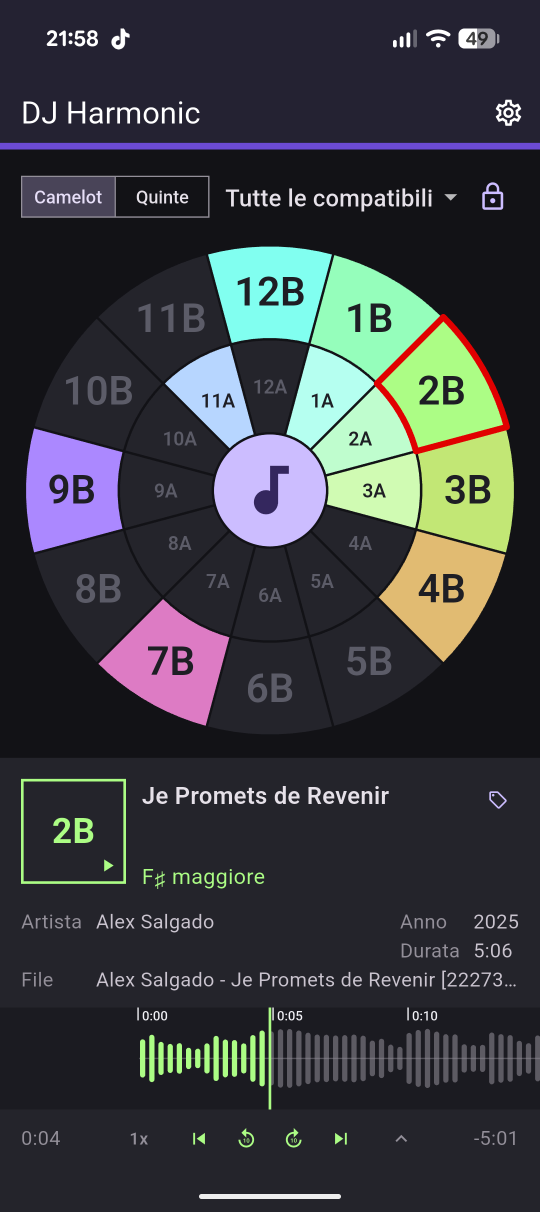
Tap the button at the centre of the wheel and pick a file from the device — mp3, m4a, wav or flac. The whole track is read, in a few seconds, while a ring counts the work down and the wheel waits.
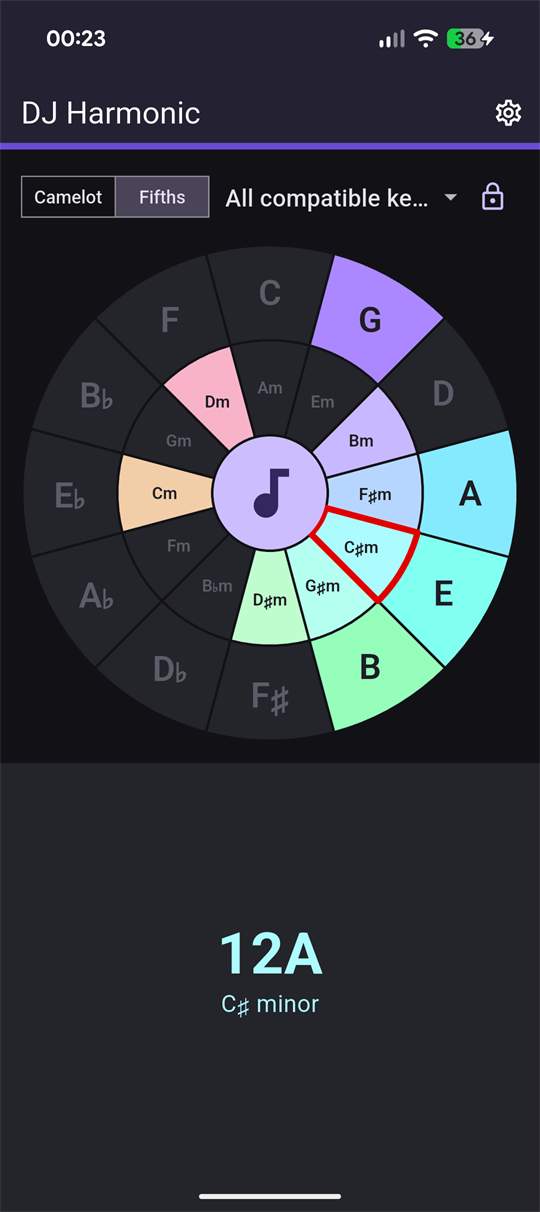
The wheel lights back up on the sector it landed on, ringed in red. The panel underneath carries the Camelot code and the chord name, and the key goes into the file’s own tags: open the track again, here or in another program, and it is already there.
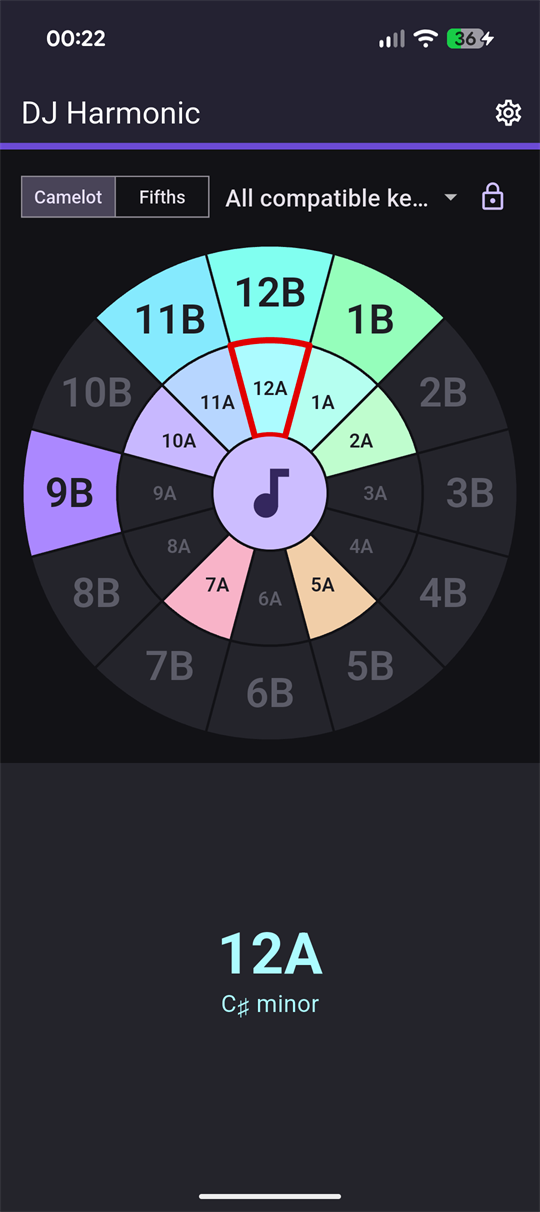
Pick one of the six rules and the wheel keeps lit only the keys that rule allows, dimming everything else. Close the lock and a key that does not mix cannot even be chosen.
No library to import, no cloud to sync, no account to make. It opens on the wheel and it stays there.
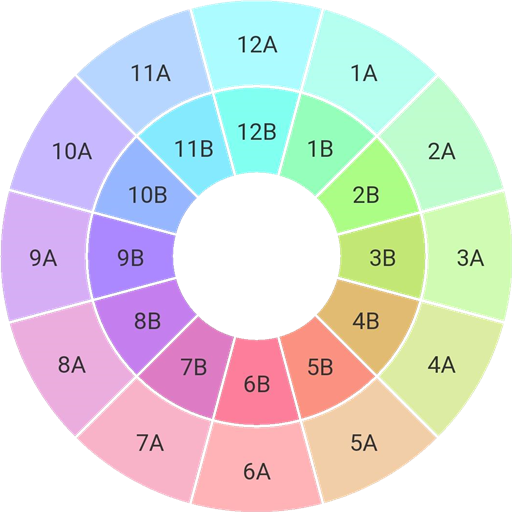
Minors on the inner ring, majors on the outer one, and a fixed colour per key. After a week you stop reading the labels and go by the colour.
Read the wheel as 12A and 1B, or as C♯m and G the way they sit on the circle of fifths. One switch at the top, and the app comes back the way you left it.
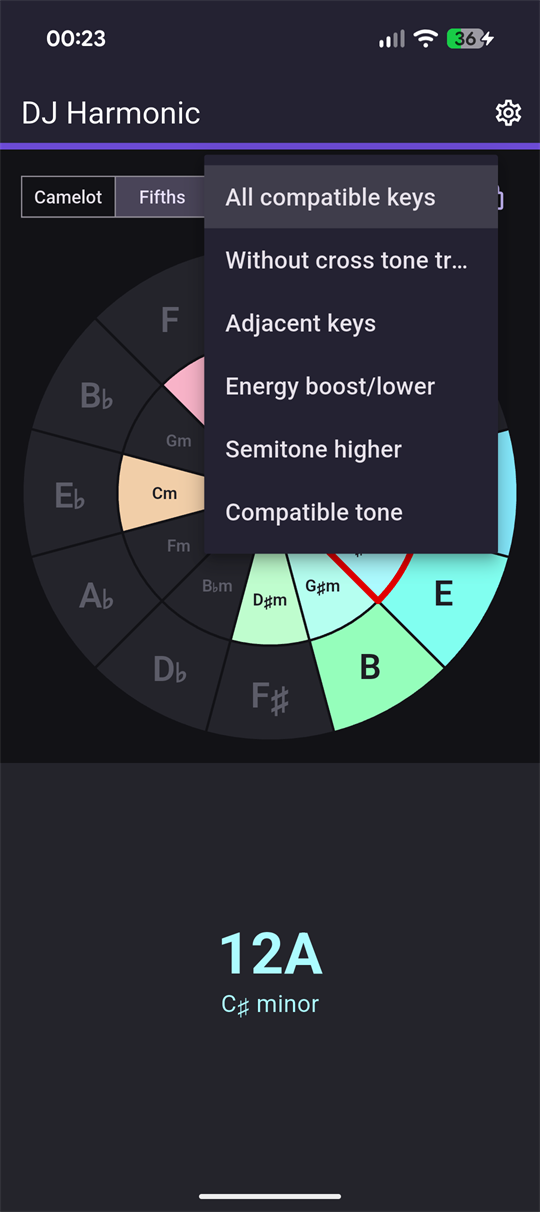
From every compatible key down to a single move. The rule you picked survives closing the app, because it is the way you work, not a setting you happened to touch.
Closed, the wheel only lets you move to a key that mixes. Open, you go wherever you want. It is the difference between practising and improvising.
Every analysis listens to the whole track, with harmonium, the key engine written from scratch for this app. Every key remembers which version found it, so a track is analysed again only when the answer could change.
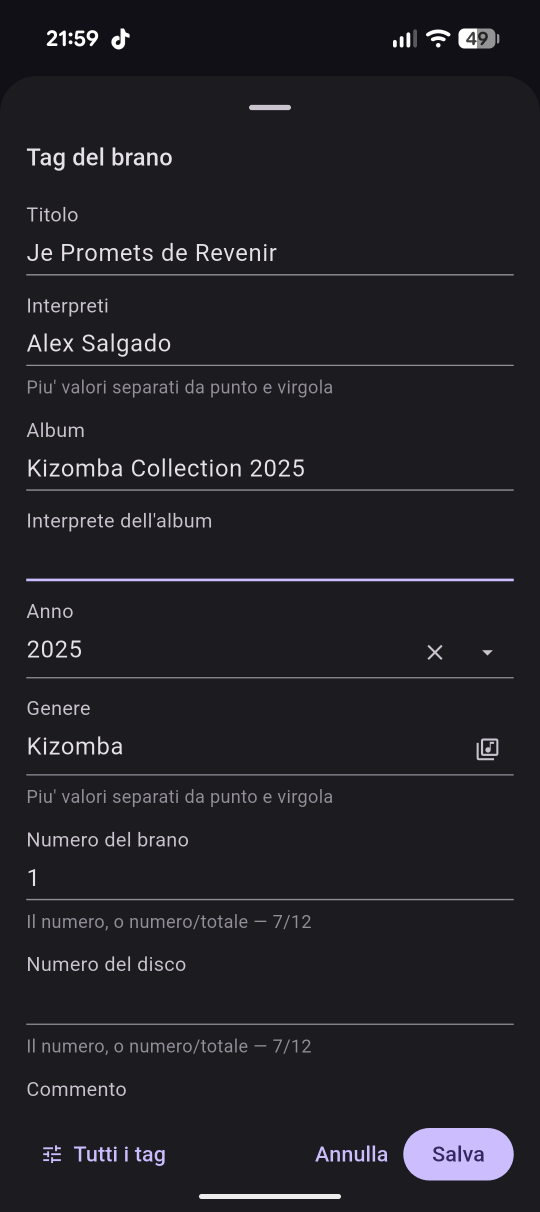
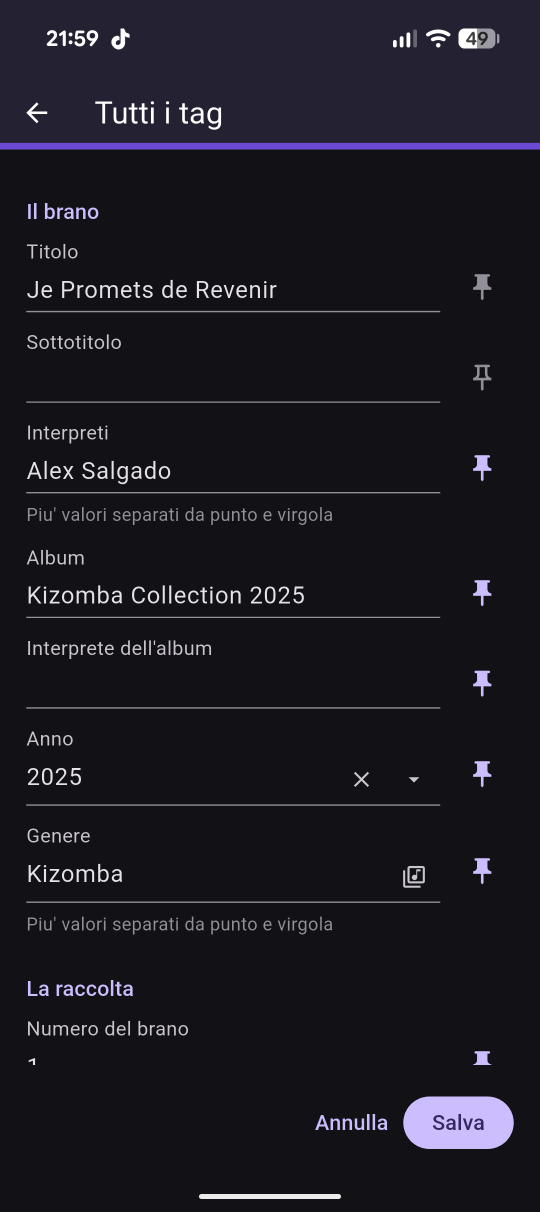
Title, artists, album, genre, year and dozens more come out of the file, and go back into it when you correct them, on mp3 and wav. Choose which ones the track card shows; when the tags are missing, the file name stands in.
The key badge is the play button. The track starts and stops there, without a second screen and without leaving the wheel.
The track’s waveform scrolls as it plays, and the part already played takes the colour. Drag it to move, or jump ten seconds at a time, to the start, or to the end.
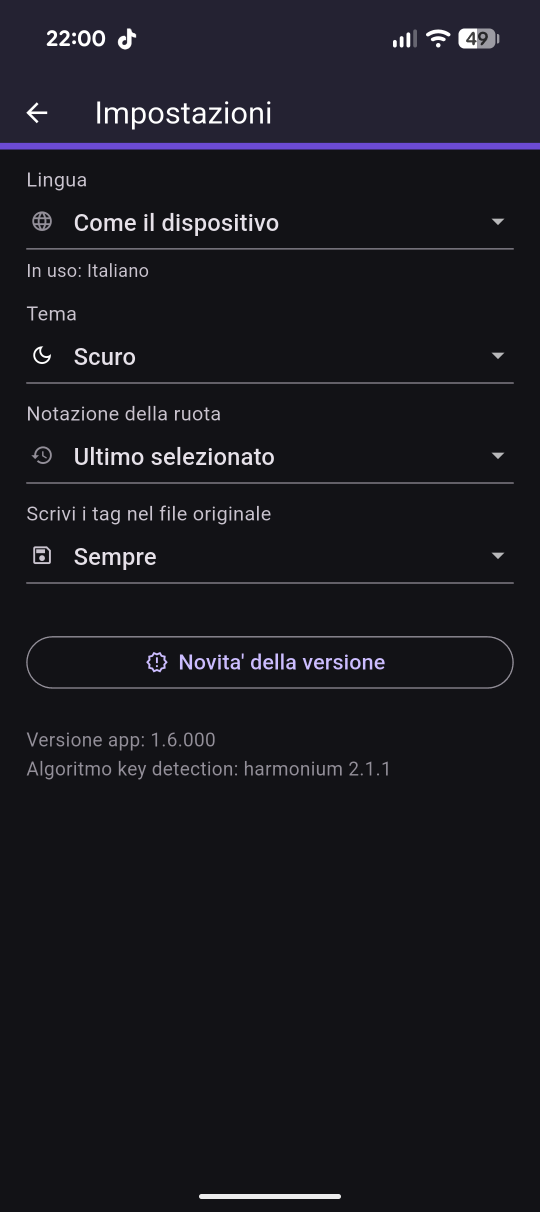
English, Italian, French, Spanish and German, light and dark. Both follow the phone until you decide otherwise.
A rule is a set of moves around the wheel. Choose one and the wheel becomes the answer to a single question: from here, where can I go?
The full set. Everything that will sit next to the key you are on, without ranking it.
The same set minus the jump across the rings. What is left is the ground nobody argues about.
Only the neighbours: one step round the wheel, or straight across to the other ring. The move you can make blind.
Two steps up or two down: the moves that lift a floor, and the ones that bring it back to earth.
One move and one only, seven sectors away — a semitone up. The oldest lift there is.
Three sectors back with a change of ring. Further from home than it looks, and still consonant.
The number is the position on the circle of fifths, from 1 to 12; the letter is the ring — A for minor, B for major. Two tracks mix when their codes are the same, or one apart, or share the number and swap the letter. That is the whole notation, and the wheel does the arithmetic for you.
The layout follows the screen instead of being stretched to fit it. On the phone the wheel takes the top and the track sits under it. Turn the phone sideways, or open it on a tablet, and the two move next to each other.
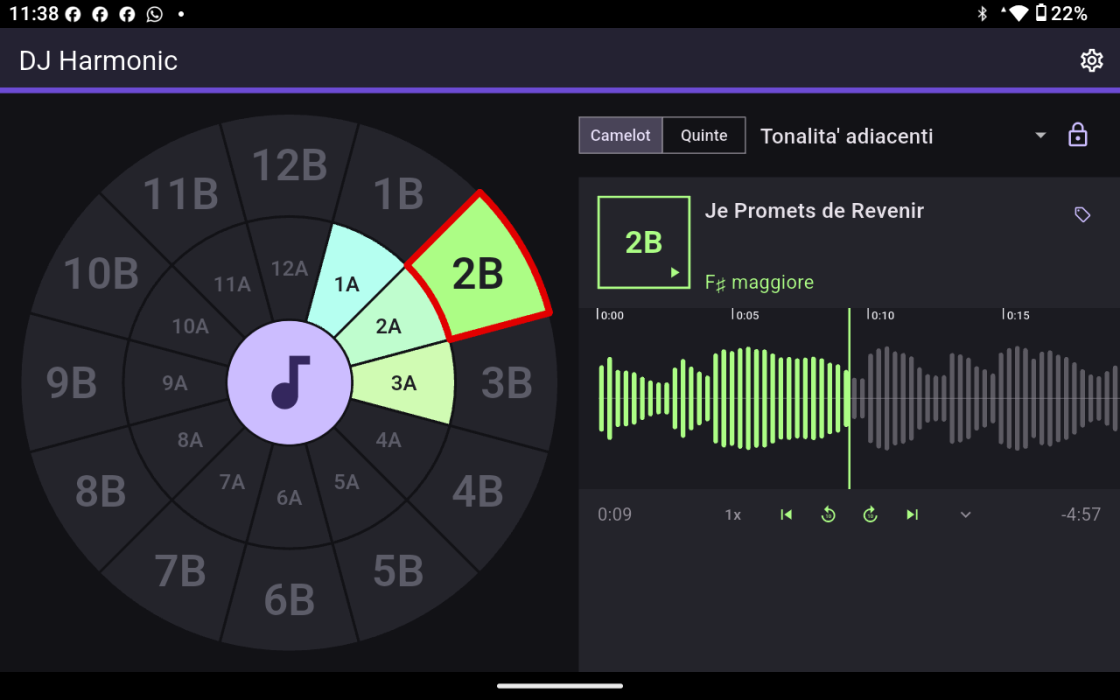
Tablet — the wheel on the left, the track on the right
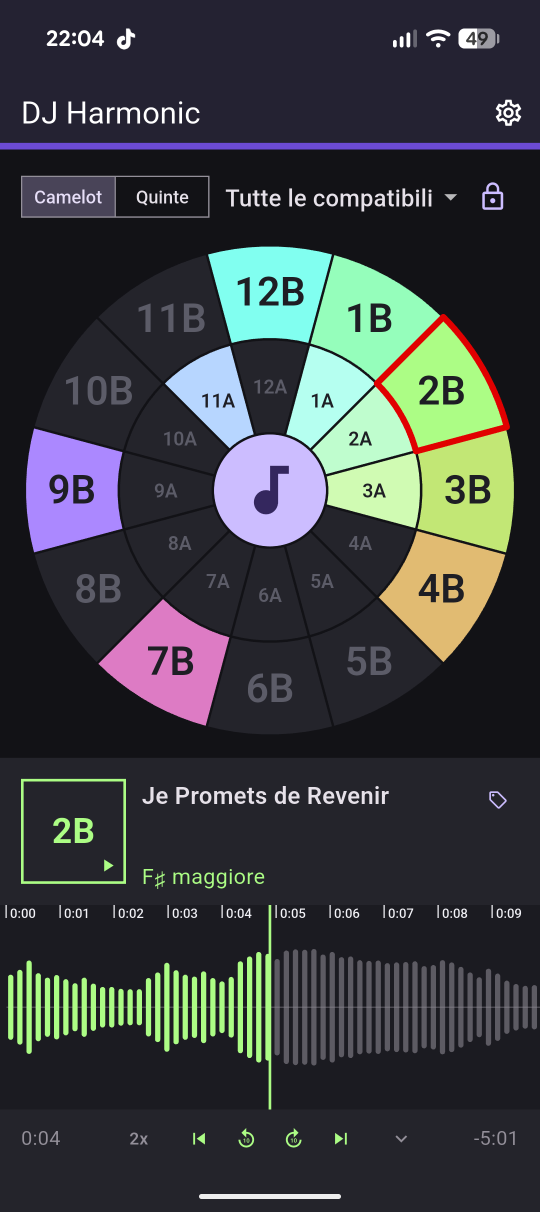
Phone — the wheel first, the track underneath
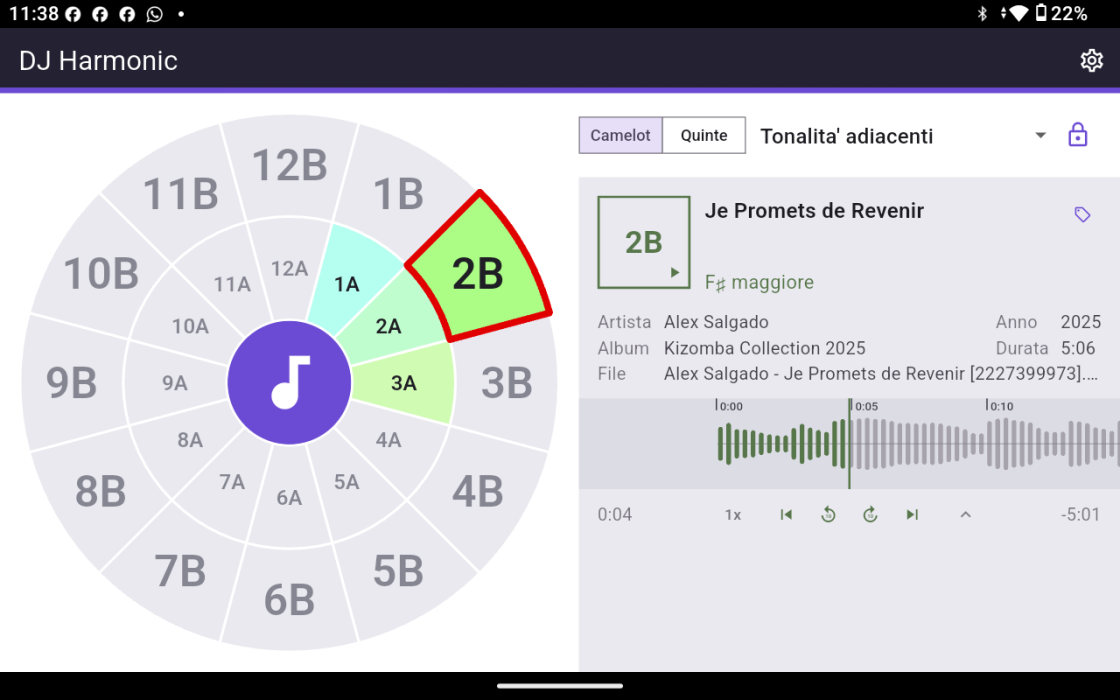
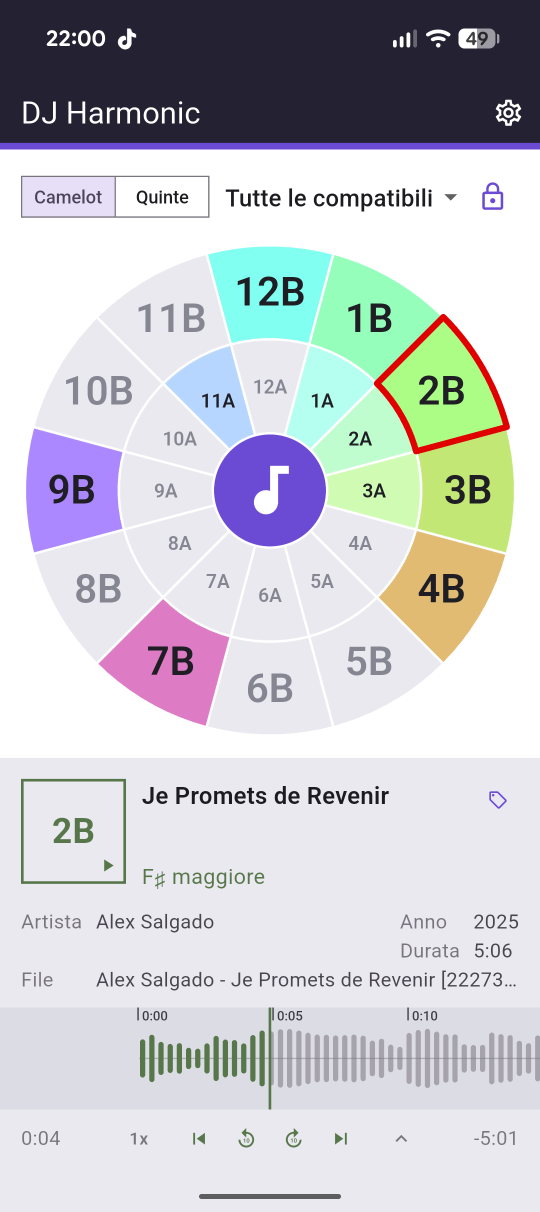
The light theme, with room to breathe
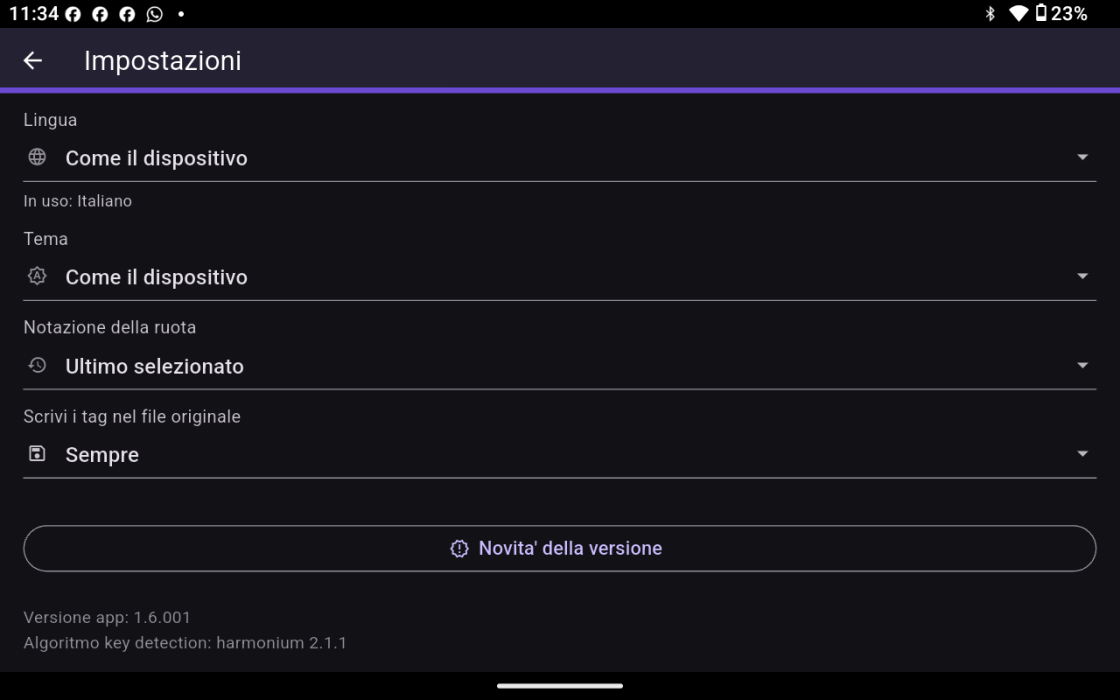
Settings, wherever you opened them
Real screenshots, nothing staged. Drag sideways.
The analysis happens on the phone. The file you pick is read where it sits, and neither it nor the result ever leaves the device — there is no server of ours in the middle, which is also why there is no account. Four formats are read: mp3, m4a, wav and flac. Anything else is turned down rather than guessed at.
Open the wheel, hand it a track, and see what it wants to sit next to.
Get it onGoogle Play